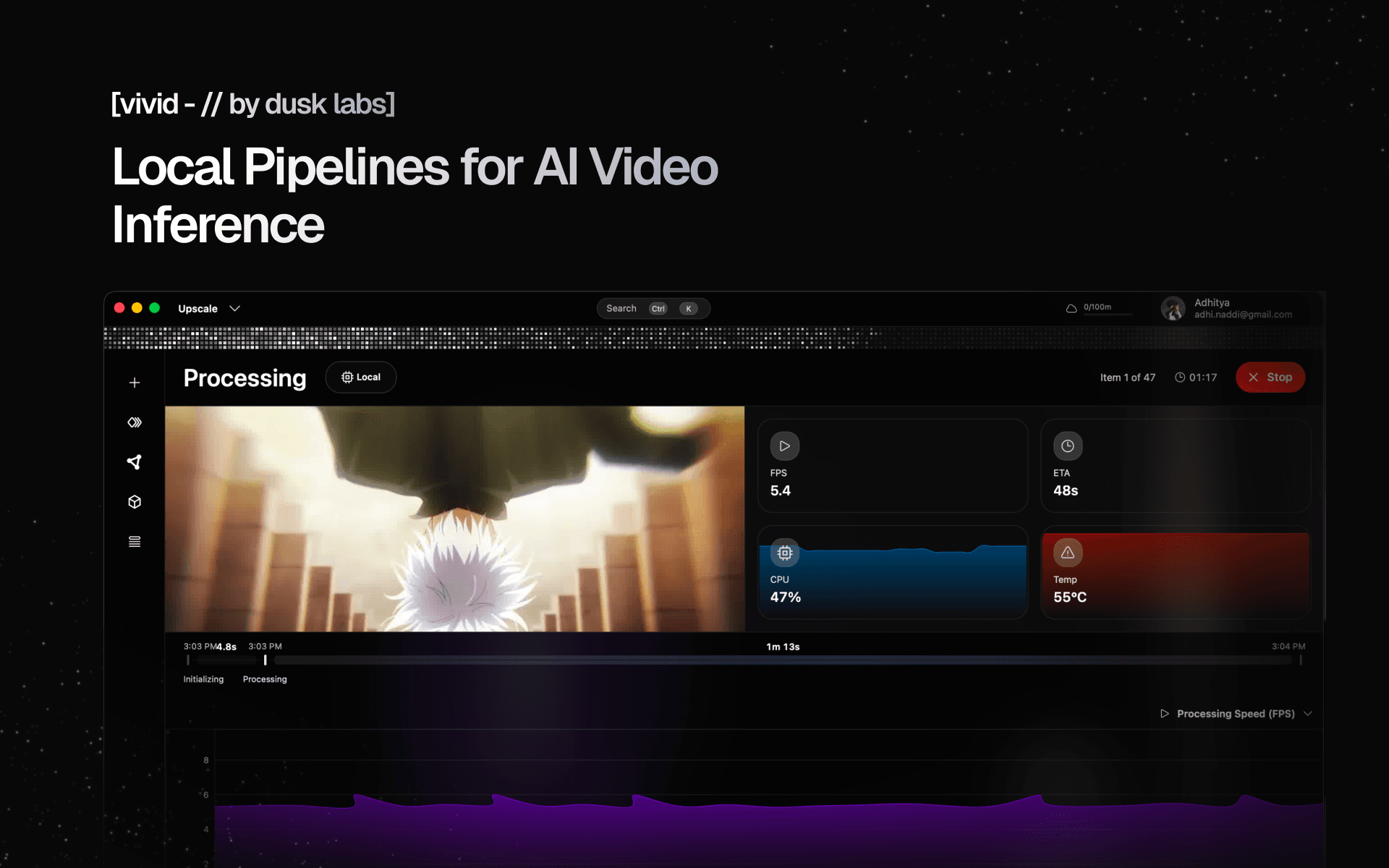
Roughly 3 years ago, I remember opening Docker for the first time as someone non-technical.
My goal? I just wanted those crispy, clean, high quality clips that every video editor but me seemed to be using. Sadly, it ended up being the most painful thing I've ever done.
Running a single super-resolution model locally meant spending hours setting up WSL (Windows Subsystem for Linux), running docker containers, debugging CUDA errors that seemed nonsensical, and commands that would literally instantly crash my device (somehow my specific windows version was incompatible?).
For years I lived with the idea that someone had to fix the disaster that AI super-resolution and frame interpolation was for everyday consumers. Because it wasn’t that the tools weren’t advanced enough, it was actually because they were never built to be used.
Scoping the Horizons
Seven months ago, Vivid started out with the same architecture that competing tools were using. The architecture was terrible, messy, and slow. I threw it all out. We migrated the stack entirely, rebuilt the frontend from scratch, architected a new processing system, and started rethinking the way a tool like this is supposed to be used.
People assume:
- You already know what model to use
- You know how to run it
- Your okay with combining 5 different tools for one final output
- Its fine to view the processed video after hours of inference
To be honest, I thought that was entirely backwards. Has anyone ever opened their first creative software, and known exactly what to run, what effects to chain, and what the final output would look like? Without years of experimenting?
THATS WHEN I REALIZED, IMA TRYHARD BABY N U KNO DAT - Yeat
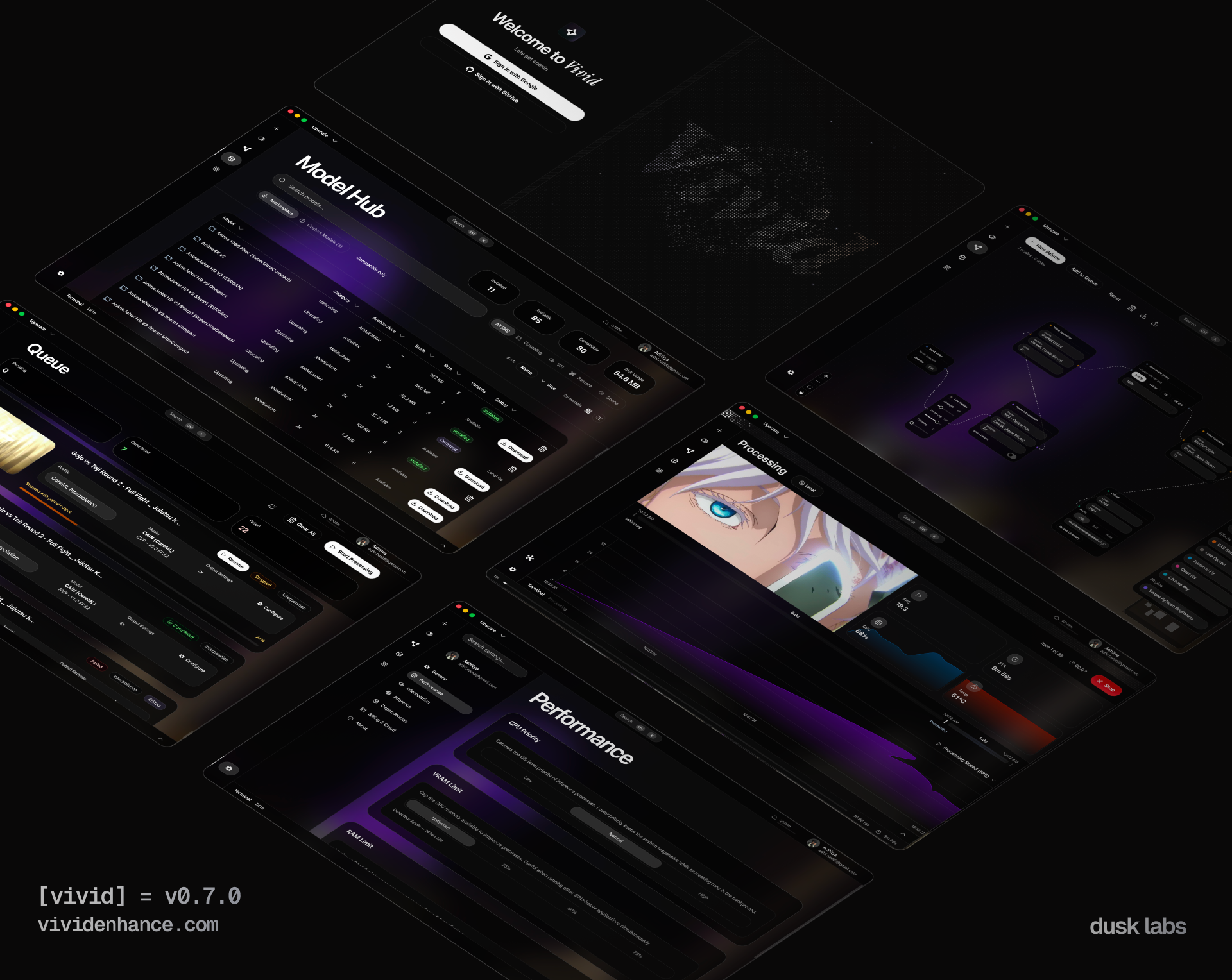
A Different Architecture
I decided that Vivid had to address a few key questions:
- What does a complete video workflow look like?
- Where is time wasted?
- How can the UI/UX feel reactive and alive?
- How can Vivid blend abstraction with technical complexity?
I wanted to do something nobody has done before in this space, and that, I did. Queue the stage curtains.
When Features Turn Into Experience
Vivid does practically everything that the average user should never have to worry about.
- Vivid picks the fastest backend and optimal runtime, and checks CUDA compatibility
- Vivid handles job management, queue state, crash persistence
- Vivid orchestrates all process management, automatic fallbacks, encoding, etc
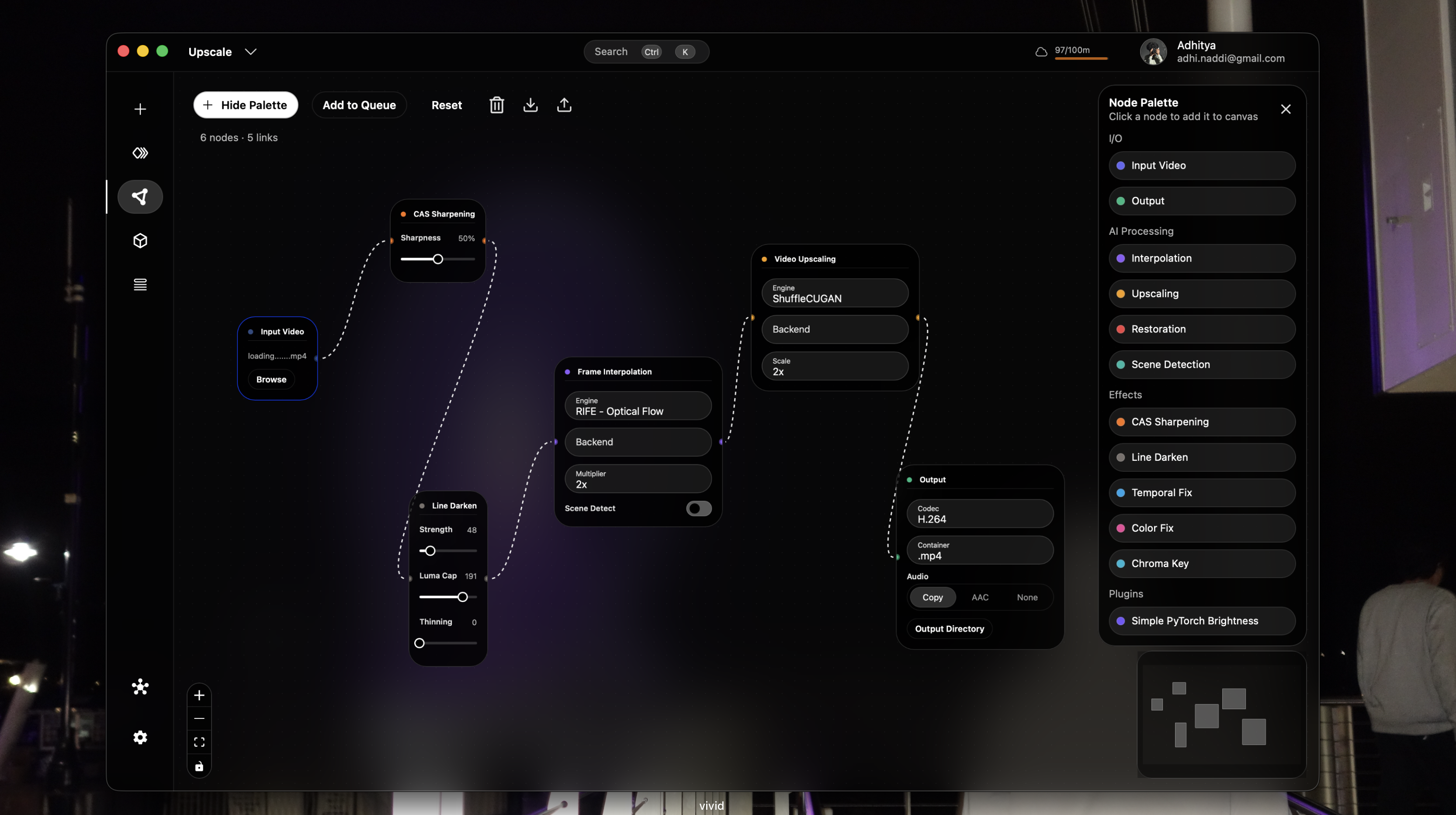
- Vivid allows 3 different ways to process items, node graph, queue, or video editor
All of these are things YOU don't have to worry about, without losing the model and parameter customizability that ML researchers enjoy. Vivid adapts to your understanding.
Its as simple as
There's never been a better place for ML Video processing developers / researchers than Vivid. Vivid is extendable by supporting custom plugins and effects scripts. Read more here. And if you know what your doing, open a Dialog and adjust every option to your hearts content, because wow is there a lot of support
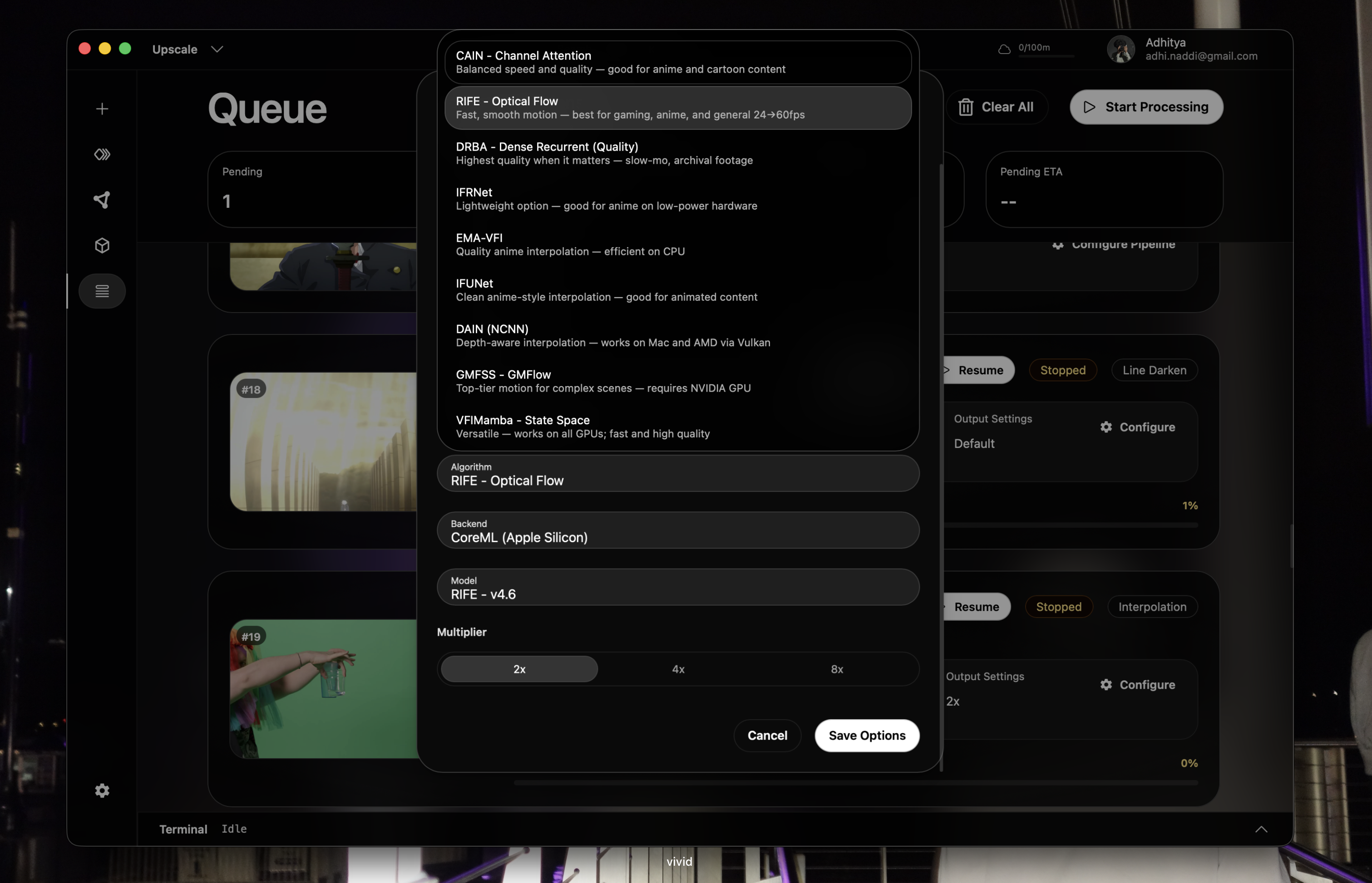
Pipelines as a Primitive
Now, this is really what changes the workflow for most users.
Before, you had to:
Run Model A > export > import > run Model B> repeat
But with Vivid, just build a pipeline
Interpolation → Upscale → Restore → Effects
Define it once and use it forever. Even on the cloud
And once you have pipelines, everything else becomes surprisingly easy to compose:
- Presets
- Shared Workflows
- Community Hub (coming soon)
Did I Forget about the Cloud?
Yeah, its supported across every algorithm, pipeline, or effect you can conjure up
But Vivid does this differently too. Most tools go cloud-first not because they want to, but because the complexity is too hard to manage.
Local Processing means
- Cross-compatibility issues
- GPU fragmentation
- OS instability
All things which Vivid which addresses head first, but cloud processing means
- Less control
- Less Privacy
- Expensive
Vivid doesn't force you to take a side, you can simply have the best of both worlds. Why can’t life be more like that?
Click one button and that local job you just queued? Yeah, it'll run on the cloud now. Not only will it run on the cloud, but it can run 112–130× faster with Vivid’s State of the Art (SOTA) cloud worker process (vs MacBook M4 locally):
Chaos to System
The beauty of this space is how far we’ve really come since I was that confused boy 3 years ago. And the issue isn't a shortage of innovation, no.
There is a shortage in integration
There are truly incredible models Incredible research Incredible performance
But right now they live in isolation. Vivid has always been about connecting them.
- Unified runtime layer
- Shared pipeline system
- Marketplace for distribution
- Plugin system for extensibility
What this means
Vivid isn’t just another AI video tool, not that there are many that currently exist anyways (oof)
But it's actually half-court shot at making what should have existed from the start
A place where workflows are first-class, and software system incompetence isn't tolerated. Because Vivid was built to feel alive during use.
Some Reflection
Looking back at the past 7 months and 1.3 Million lines of changed code, I definitely did too much for this project. Because, shipping a half-finished slop project would've been more than enough to compete
But I didn't do that. It only took about 1,212 Commits, 15 refactors, 197 PR's, 7 Repositories, and hundreds of hours to get the project to the point where I am personally satisfied.
The point where the abstraction doesn't impact the power-user experience, and the interface feels refreshing to use
And this is just the beginning of what Vivid will be
Because beauty, should be felt.